Download the 24KWINNER App
Get the latest 24KWINNER APK for Android and play 100+ games on the go with a faster, smoother experience than any browser.
Your Gaming Lounge, In Your Pocket
Get the official 24KWINNER app for instant access to live casino, slots and instant games — plus your ₹10,000 welcome bonus. The 24KWINNER APK is lightweight, updated regularly and built specifically for a faster mobile experience than playing through a browser tab.
About the 24KWINNER APK
Everything you need to know before you install the latest 24KWINNER APK.
App vs. Browser — What's the Difference?
You can play every game on 24KWINNER straight from your mobile browser with no download at all. Here's why many players still prefer the dedicated app.
Faster Load Times
The 24KWINNER app caches assets locally, so games and the lobby open noticeably faster than through a browser tab.
Push Notifications
Get notified about new promotions, bonus drops and 24KWINNER new game launches the moment they happen.
One-Tap Access
Add the 24KWINNER app icon to your home screen and skip typing a URL or hunting for browser tabs every time you want to play.
Lower Data Usage
Once installed, the app reuses cached files across sessions, which can mean less data used on repeat visits compared to reloading a full site.
Install the 24KWINNER APK in 6 Steps
Tap Download
Hit the Download Latest APK button to save the installer to your device.
Allow Install
Enable "Install from unknown sources" in your Android settings when prompted.
Open the File
Open your downloads folder, tap the APK file, and confirm the installation.
Grant Permissions
Allow any permissions the app requests so notifications and storage work correctly.
Sign In
Log in with your existing account, or register a new one straight from the app.
Claim & Play
Claim your ₹10,000 welcome bonus and start exploring the full game library.
Troubleshooting the Install
- "App not installed" error: uninstall any old version of the 24KWINNER APK first, then reinstall the latest download.
- Blocked by Play Protect: this is expected for apps installed outside the Play Store — choose "Install anyway" if you downloaded the APK from our official page.
- Install option greyed out: double-check that "install from unknown sources" (or "install unknown apps" for your specific browser) is enabled in Settings.
- Still stuck? message our support team on Telegram at t.me/ravihere0 and we'll walk you through it.
App Screenshots
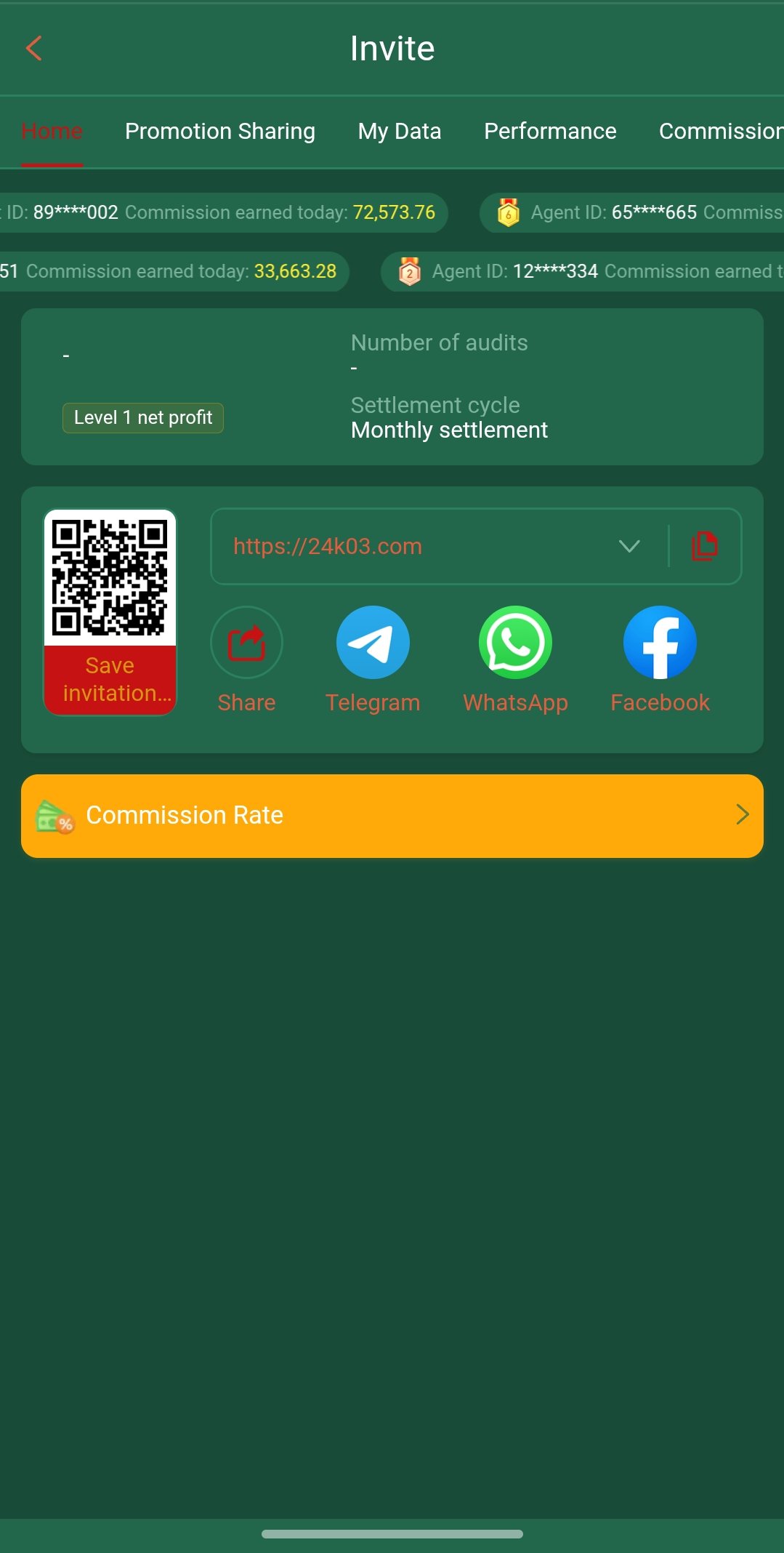
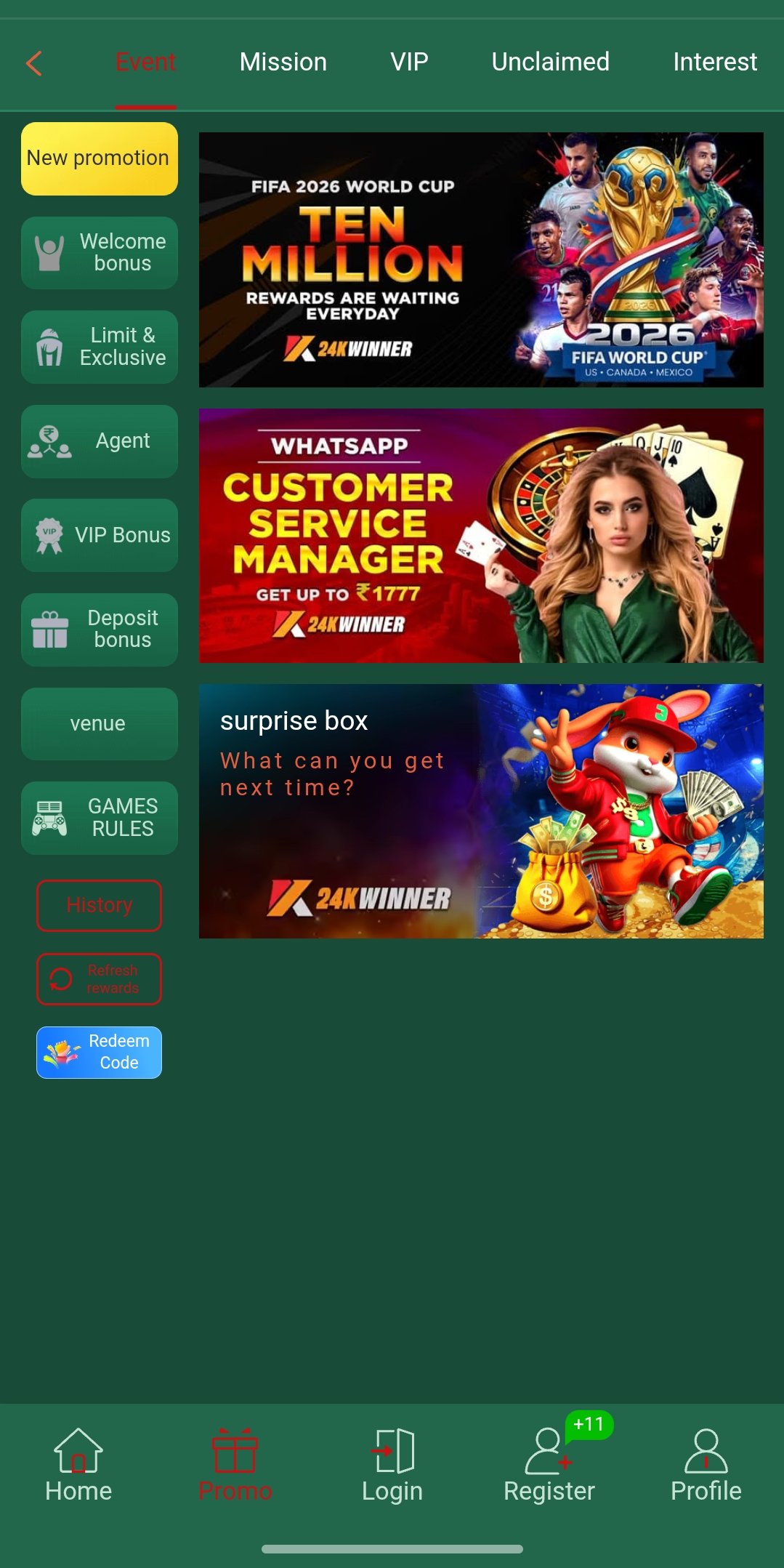
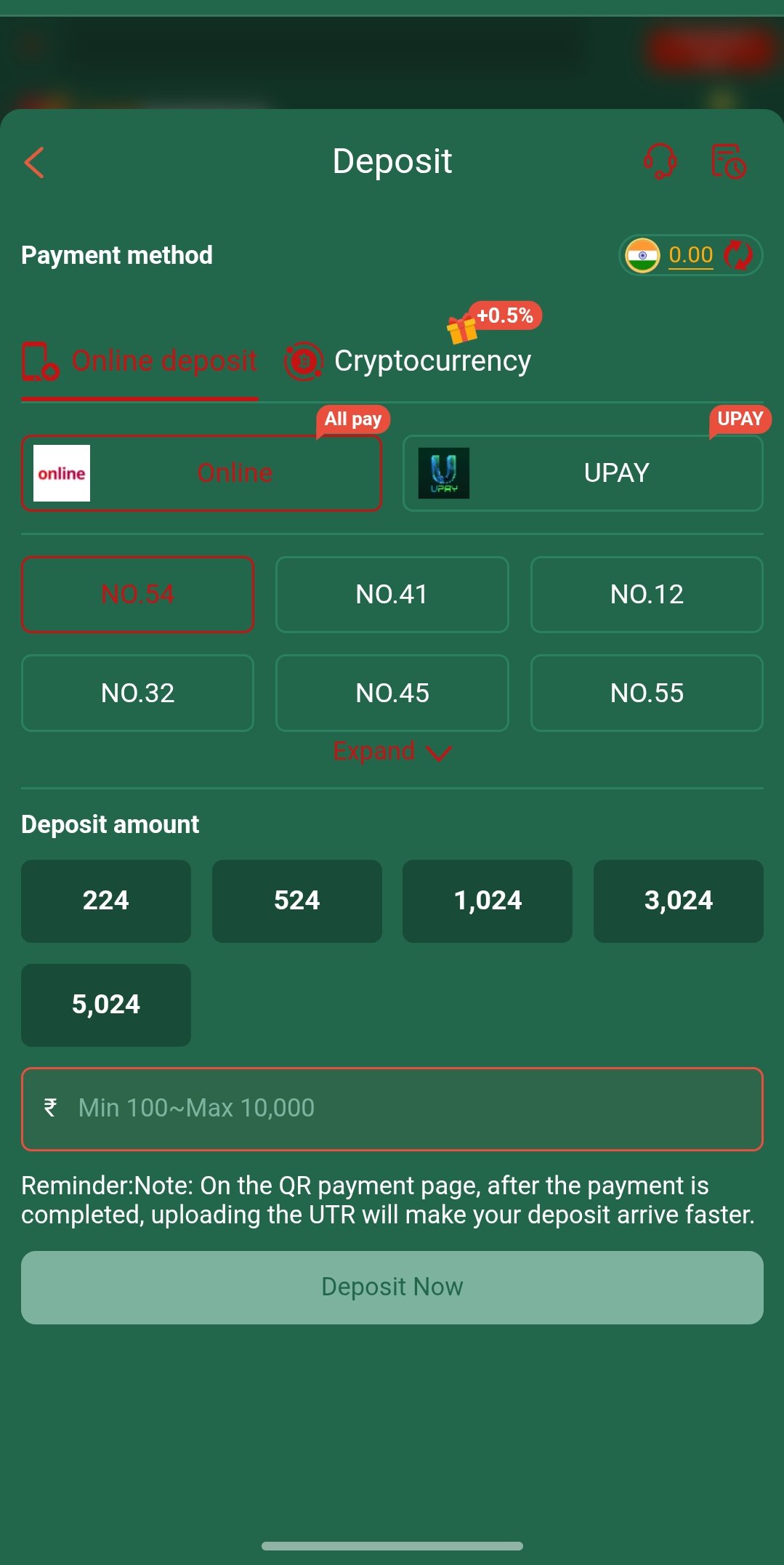
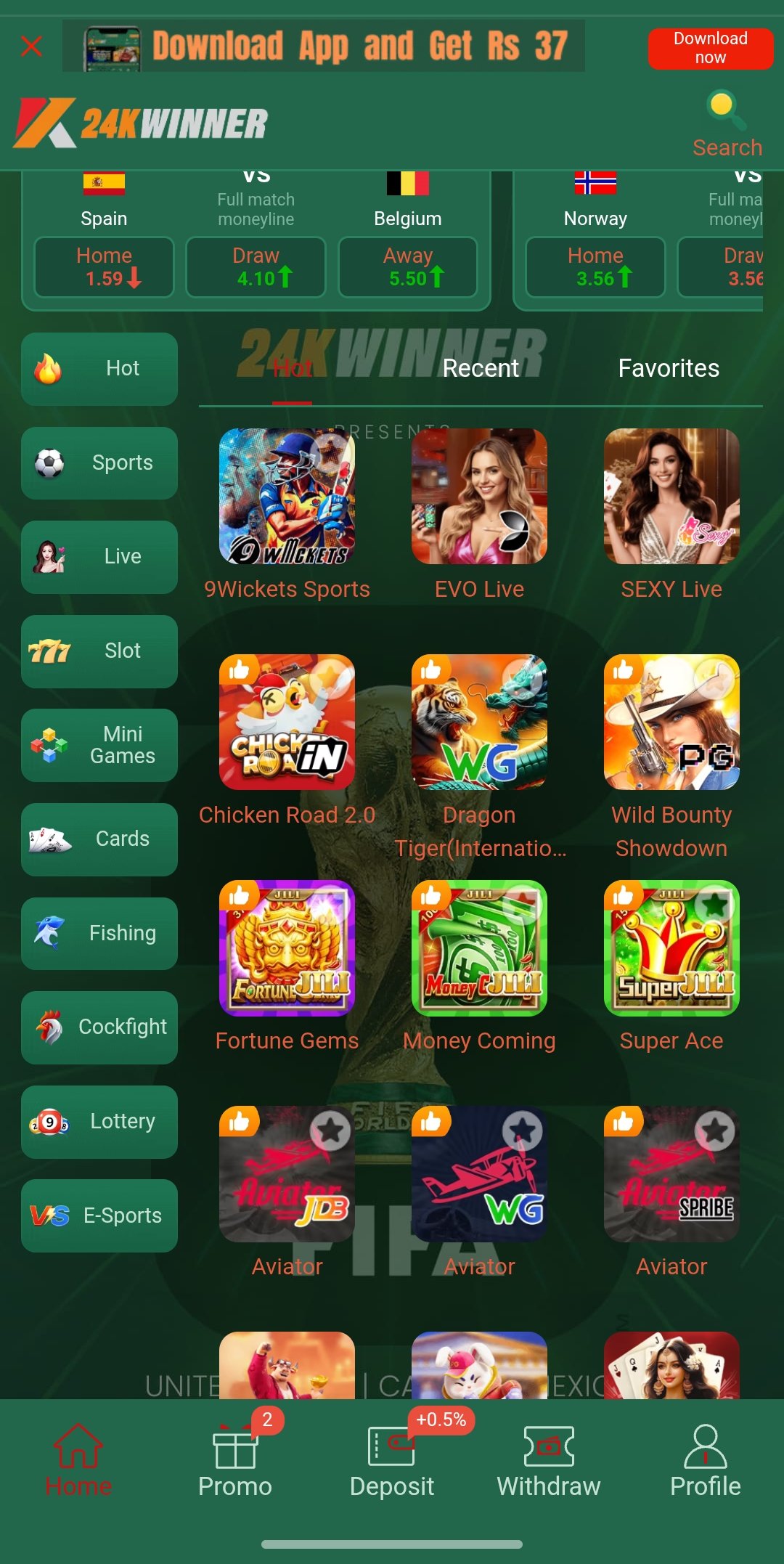
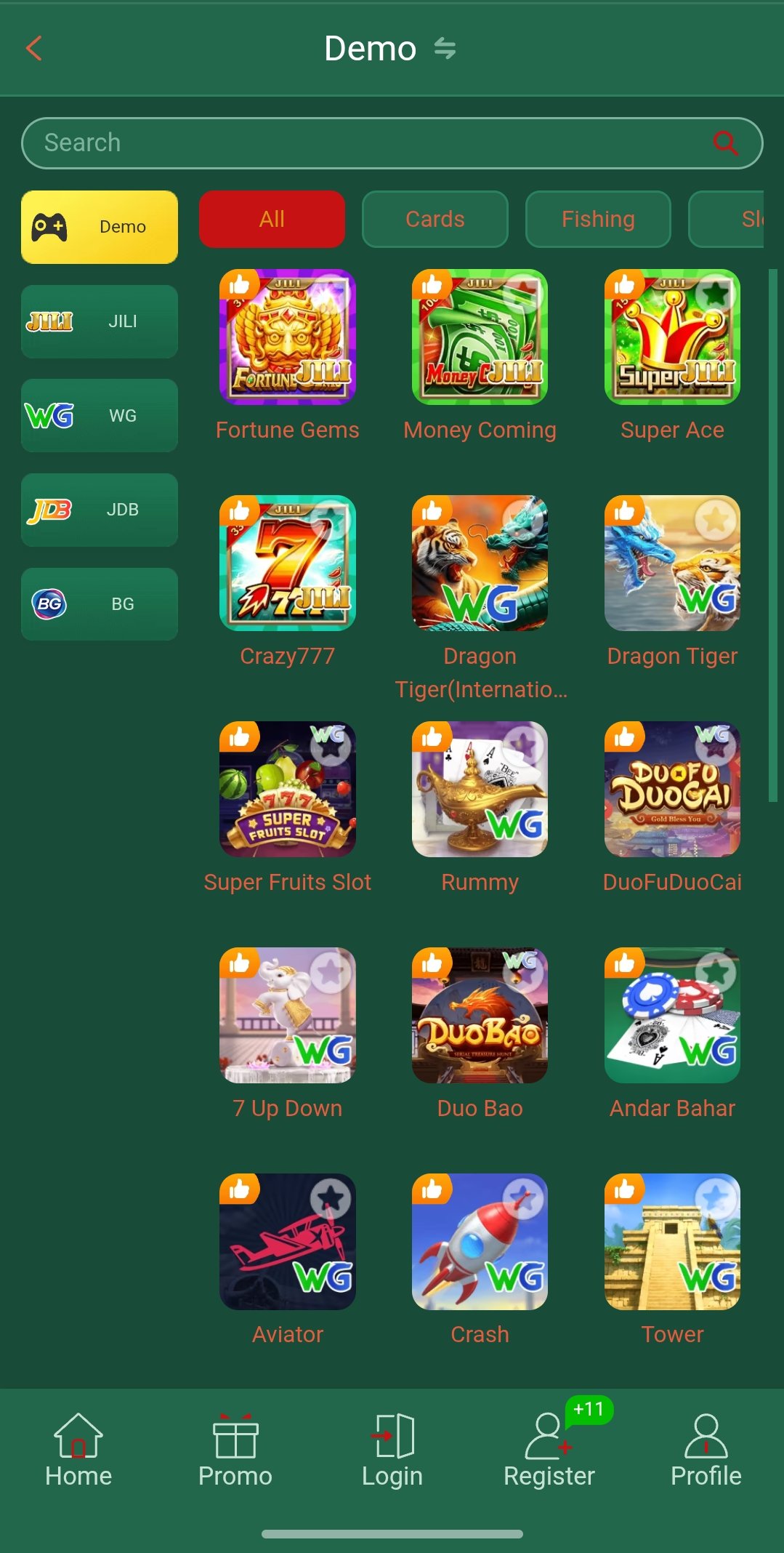
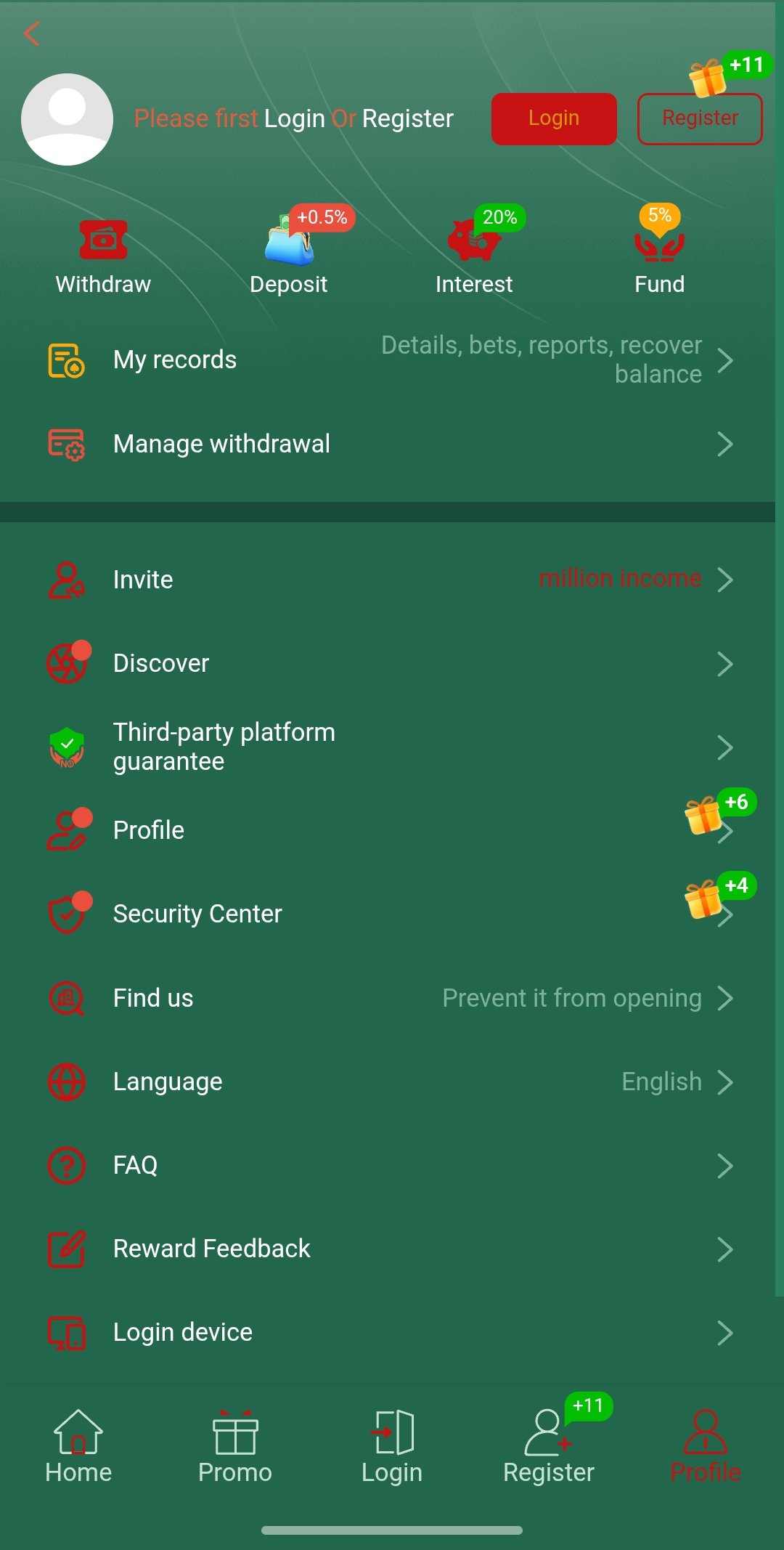
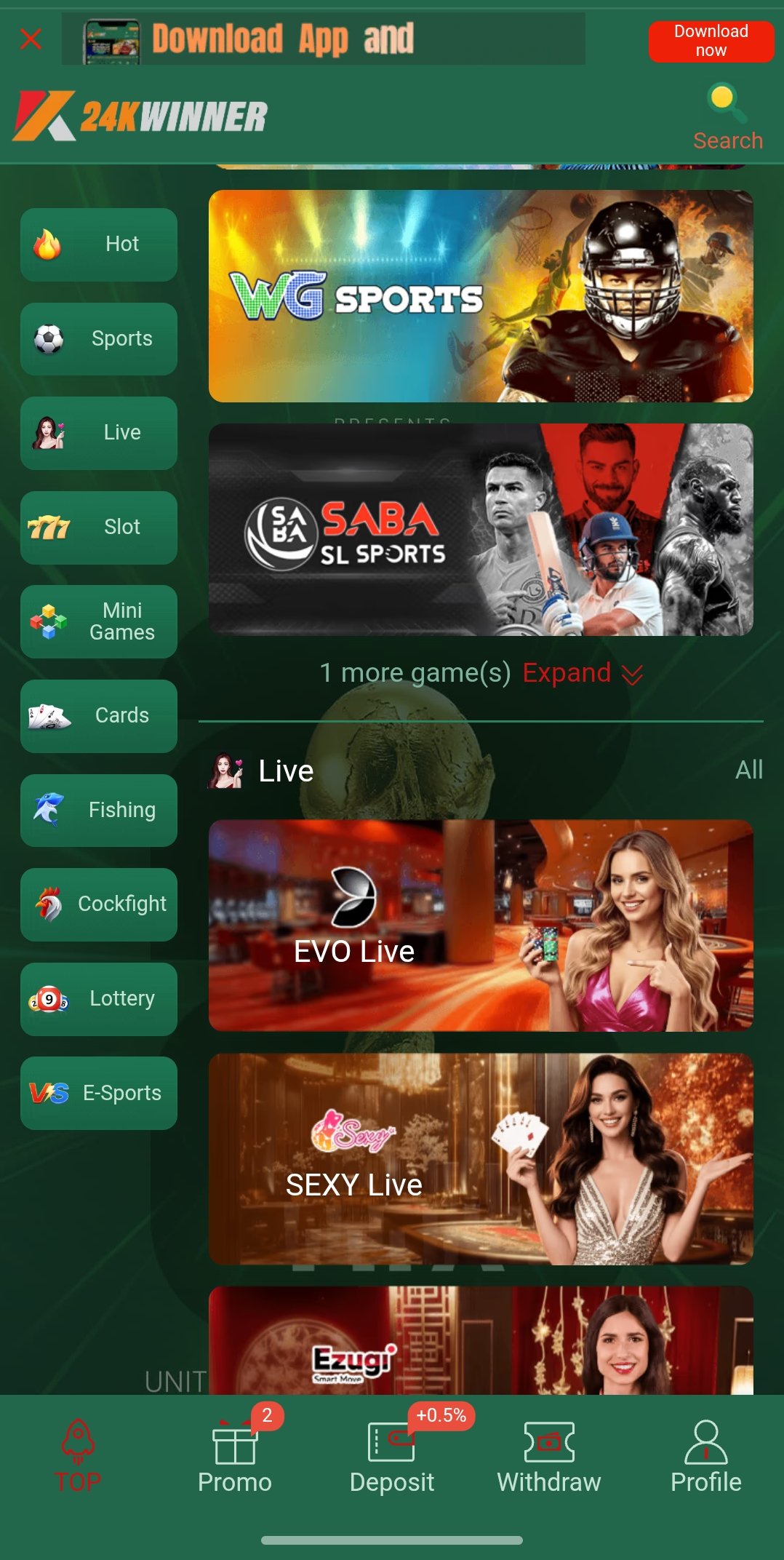
A look inside the 24KWINNER app experience.